Dec 06, 2013
Krista Guogas
wrote
I noticed today that one of my channels is out on my Maxspect Mazarra P-Series. I had the same issue on my other module and it was determined it was the violet LED's since my units came with the older ones. Kind of frustrating to have to be replacing LED's on a unit that has just over a year of use.
Reply
8 Answers
Dec 06, 2013
Chris Conti
agent
wrote
Krista,
Please remove the lens cover and tighten the black square connection clamps. Sometimes the clamps come loose and a channel of four LEDs goes out.
See attached!
Chris
Please remove the lens cover and tighten the black square connection clamps. Sometimes the clamps come loose and a channel of four LEDs goes out.
See attached!
Chris
Dec 06, 2013
Krista Guogas
wrote
Just tried that and it didn't work. I should have been more accurate in my description. The channel is dim and almost out. When I was looking at the lights on the tank, they looked like they were out. Once I took them down to tighten the clamps and recheck, I noticed they were barely lit.
Thanks for the quick response!
Thanks for the quick response!
Dec 06, 2013
Chris Conti
agent
wrote
This still sounds like a connection problem. Every module comes with a spare connection block. Use the new blocks in the areas where the LEDs are dim.
Chris
Chris
Dec 06, 2013
Krista Guogas
wrote
OK...I tried that and it is a no go. I had this same issue on my other module.
Here is the pic: http://i871.photobucket.com/albums/ab271/gemini5065/003-4.jpg
Now, that is on my other module, but the exact thing is happening on this one.
Here is the pic: http://i871.photobucket.com/albums/ab271/gemini5065/003-4.jpg
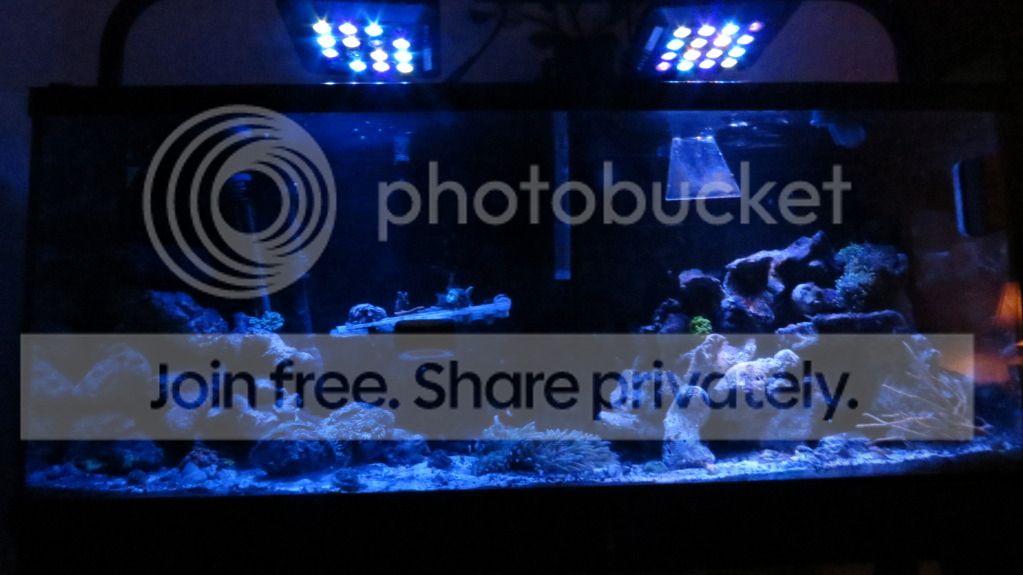
Now, that is on my other module, but the exact thing is happening on this one.
Dec 06, 2013
Chris Conti
agent
wrote
Are all four of the LEDs dimmly lit?
Dec 06, 2013
Krista Guogas
wrote
It looks like the two on the ends are out and the two in the middle are dimly lit.
Better pic: http://i871.photobucket.com/albums/ab271/gemini5065/photo1_zps33b84d3f.jpg
Better pic: http://i871.photobucket.com/albums/ab271/gemini5065/photo1_zps33b84d3f.jpg
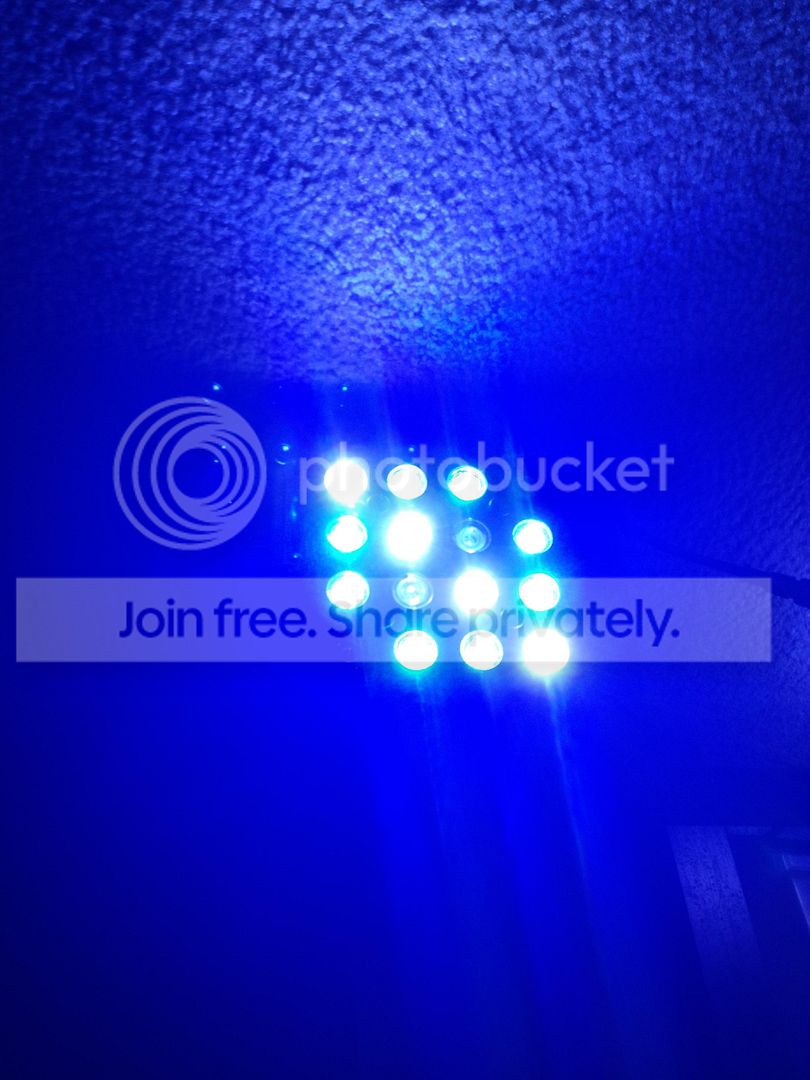
Dec 06, 2013
Chris Conti
agent
wrote
Compare it to your other module, but it looks like the purple actinic chips.
Chris
Chris
Dec 20, 2013
System
wrote
Your ticket has been closed and marked as resolved due to inactivity. If this is not the case, just reply to this email to reopen the ticket.